The app
Winterforge
Document intelligence for the records you already have: search finds any file in the folders you choose, by its name or the words inside it, and filing rules written for your line of work do the sorting. Every filed document gets a plain-text record you can open in Notepad. Search works with the Wi-Fi off. Every custom job starts here. It's the first time you see your own files found and filed, and every website, app or tool Winterforge builds begins with it.
- Finds any file in the folders you choose — by name, or by the words inside it.
- Search works with the Wi-Fi off. No internet needed for search and filing.
- Filing rules do the sorting. No AI is needed for that.
- When it isn't sure, it leaves the file for you instead of guessing.
- Every filed document gets a plain-text record you can open in Notepad.
- It keeps a written log of why each file was filed where it was. Your corrections stick.
- It checks itself and tells you plainly. It never changes your files.
- Uninstalling keeps your files and records by default.
- Pops up from anywhere with a keyboard shortcut, and shows the same thumbnails Windows Explorer does.
- Reads scanned paper too: pages with no text are read on your own computer by the optional text-recognition part.
- Searches your other office PCs from any one of them. PCs pair with a six-digit number, every request is encrypted, and each PC decides what it shares.
- Updates come through the app: Settings, then Version, then Check for updates. Every update is signed and checked before it installs.
The installer is signed by Winterforge Ltd. Windows may still ask about a new release it hasn't seen often. I'll show you what to check.
It doesn't back up your files, it doesn't read handwriting, and it doesn't run on a Mac.
PRODUCTWinterforge (the app)
STATUSEARLY ACCESS
RUNS ONWindows 10 or 11, 64-bit
NEEDSNothing online for search and filing
DOESN'T
- Back up your files
- Read handwriting
- Run on a Mac
Winterforge
This vaultpump seal quote×
Review DraftsThis vaultThis computerQuote_Q-2026-088.pdfQuoteSales
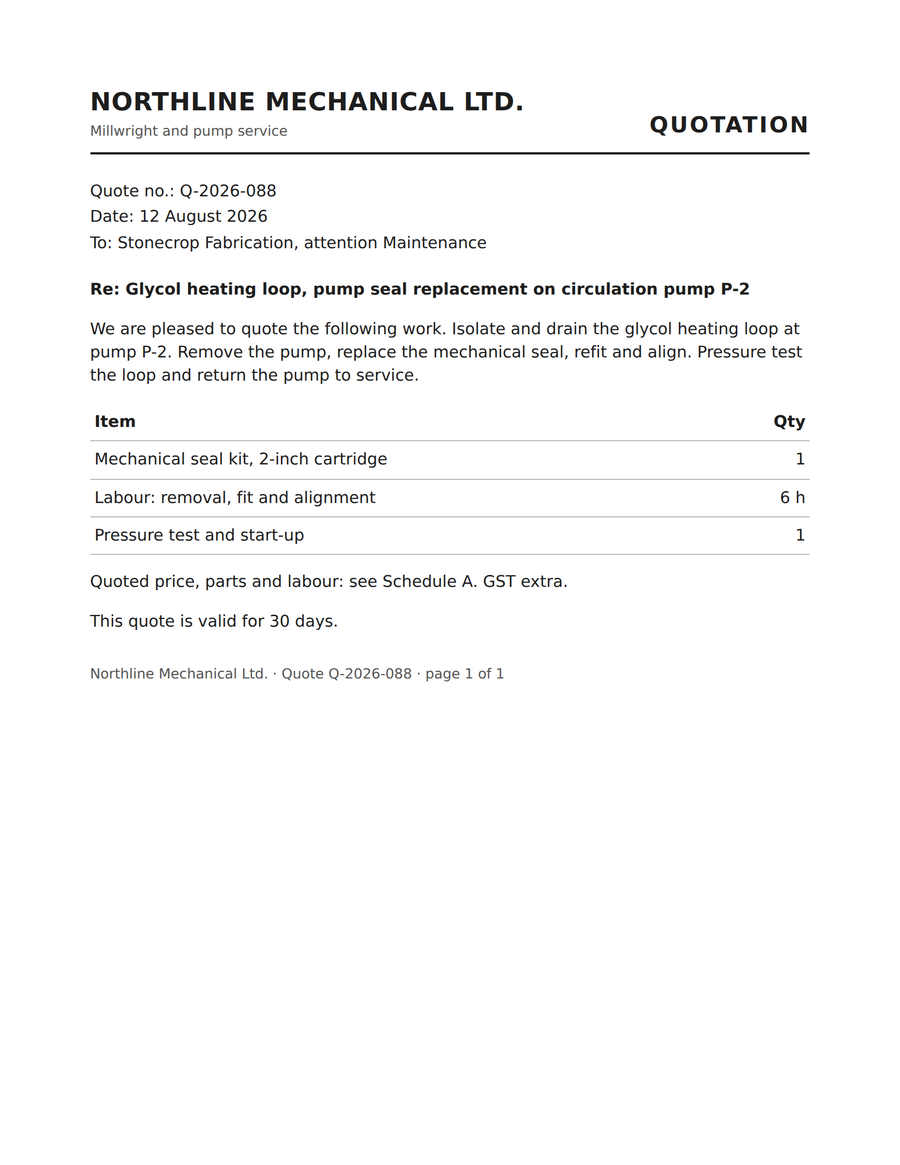
… Glycol heating loop, pump seal replacement on circulation pump P-2 We are pleased to quote …
Work_Order_1252.pdfWork OrderDelivery
… Glycol heating loop, pump seal replacement on circulation pump P-2 (quote Q-2026- 088) Work …
Invoice_2026-038.pdfInvoiceFinance
… heating loop, pump seal replacement on circulation pump P-2, as per quote Q- 2026-088 …
Quote_Q-2026-088.pdfDecision record
▸ Extracted text